
Centralized records
People, documents and job details in one place.
Employee management software
Bring employee profiles, documents and job history together. Connect every record to the teams, payroll, attendance and leave processes that keep your business running.
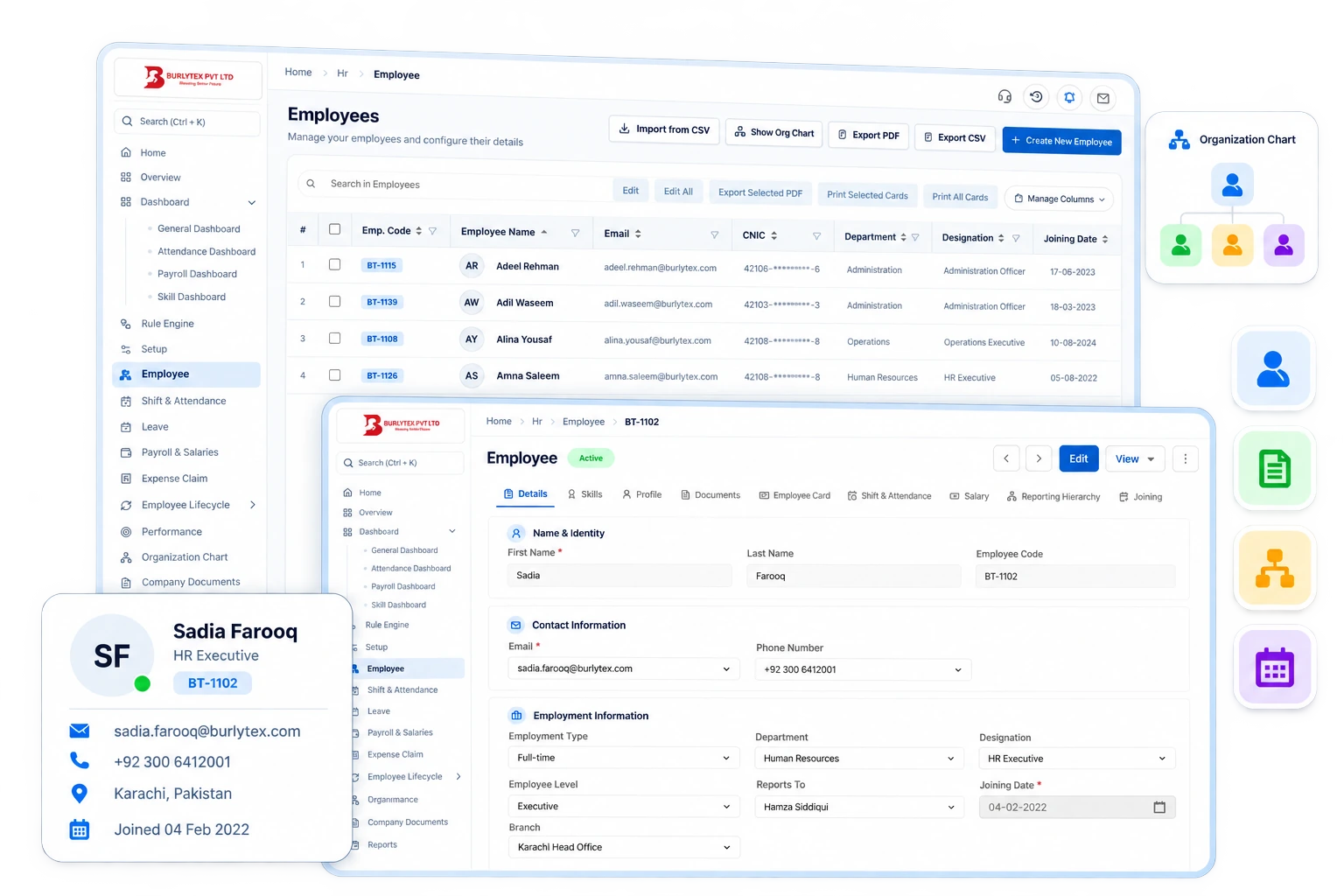
One employee database
From the first profile to the next promotion, ERPX keeps your employee database organized and connected to the rest of HR.
People, documents and job details in one place.
Employee records linked to payroll, attendance and leave.
Personal updates and everyday requests through the Employee Portal.
Employee ID cards
Turn employee records into clear, consistent ID cards. Keep your team’s identity connected to HR, from the first card for a new colleague to a full team print run.
Bring the employee photo, name, code, designation and department together on one card.
Print an individual card, choose selected employees or prepare cards in bulk as PDF.
Choose barcode or QR layouts for supported employee attendance scanning workflows.
Barcode card
Example Company
Employee ID Card
Amina Ahmed
Property of Example Company
When a new colleague joins
Create a searchable employee directory with the personal details, qualifications and employment information HR needs. Keep each profile useful as your team grows.
Moving from spreadsheets? Import your employee records from CSV.
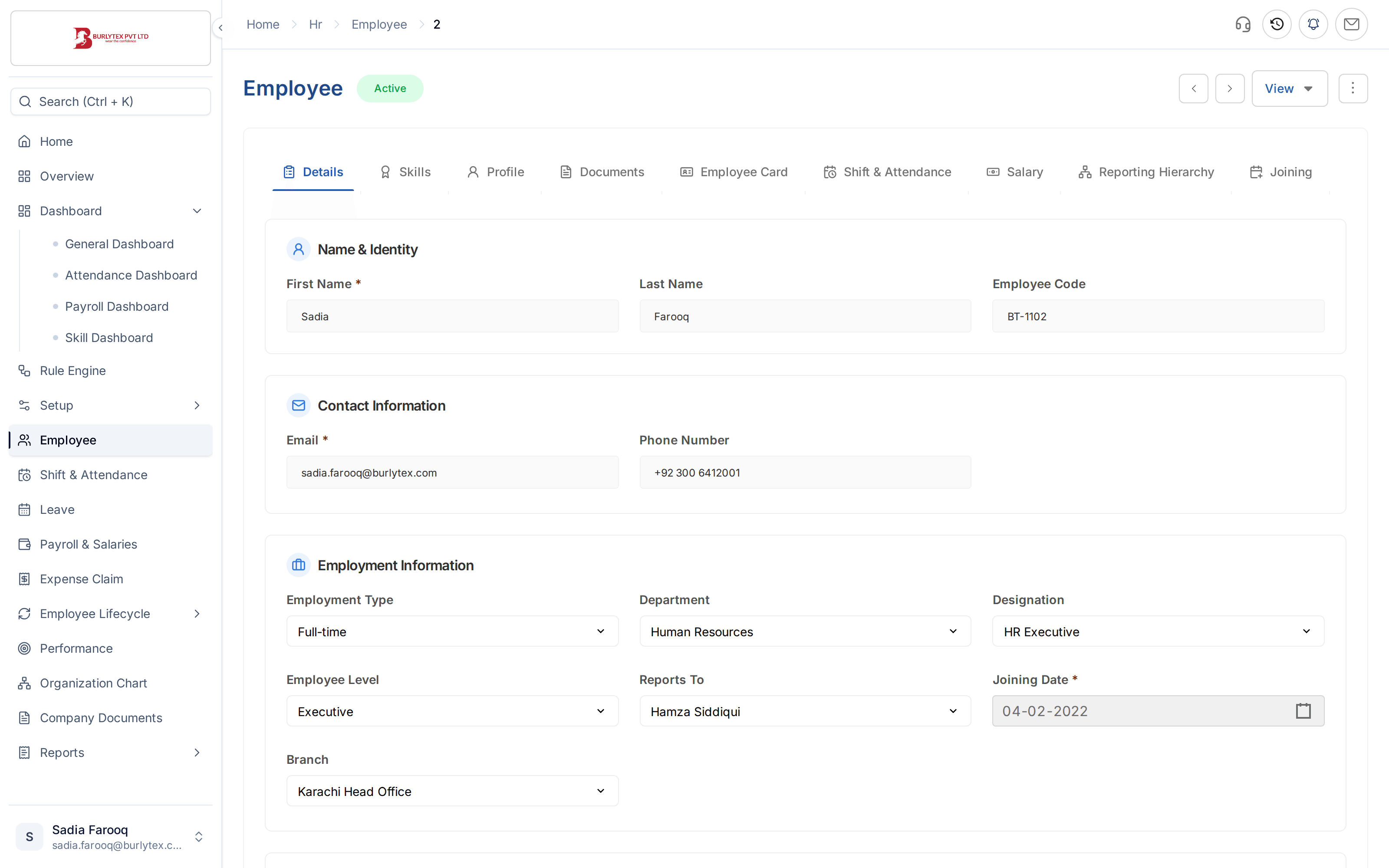
Moving from spreadsheets?
Move existing employee records into ERPX with CSV import. Review your data before bringing names, contact details and job information into one employee database.
Use the employee template for names, contact details, joining dates and job information.
Check and edit your rows in the CSV preview, including joining dates and dates of birth.
Choose whether to activate imported employees and send welcome emails.
employees.csv
3 employee rows · CSV spreadsheet
Review employee details
3 rows| Employee | Department | Joining date | Review |
|---|---|---|---|
Amina Ahmed EMP-1042 | Operations | 04-02-2022 | Checked |
Hassan Ali EMP-1043 | Finance | 15-03-2022 | Checked |
Sara Khan EMP-1044 | Human Resources | 01-04-2022 | Checked |
Your people, connected to HR.
Teams & organization
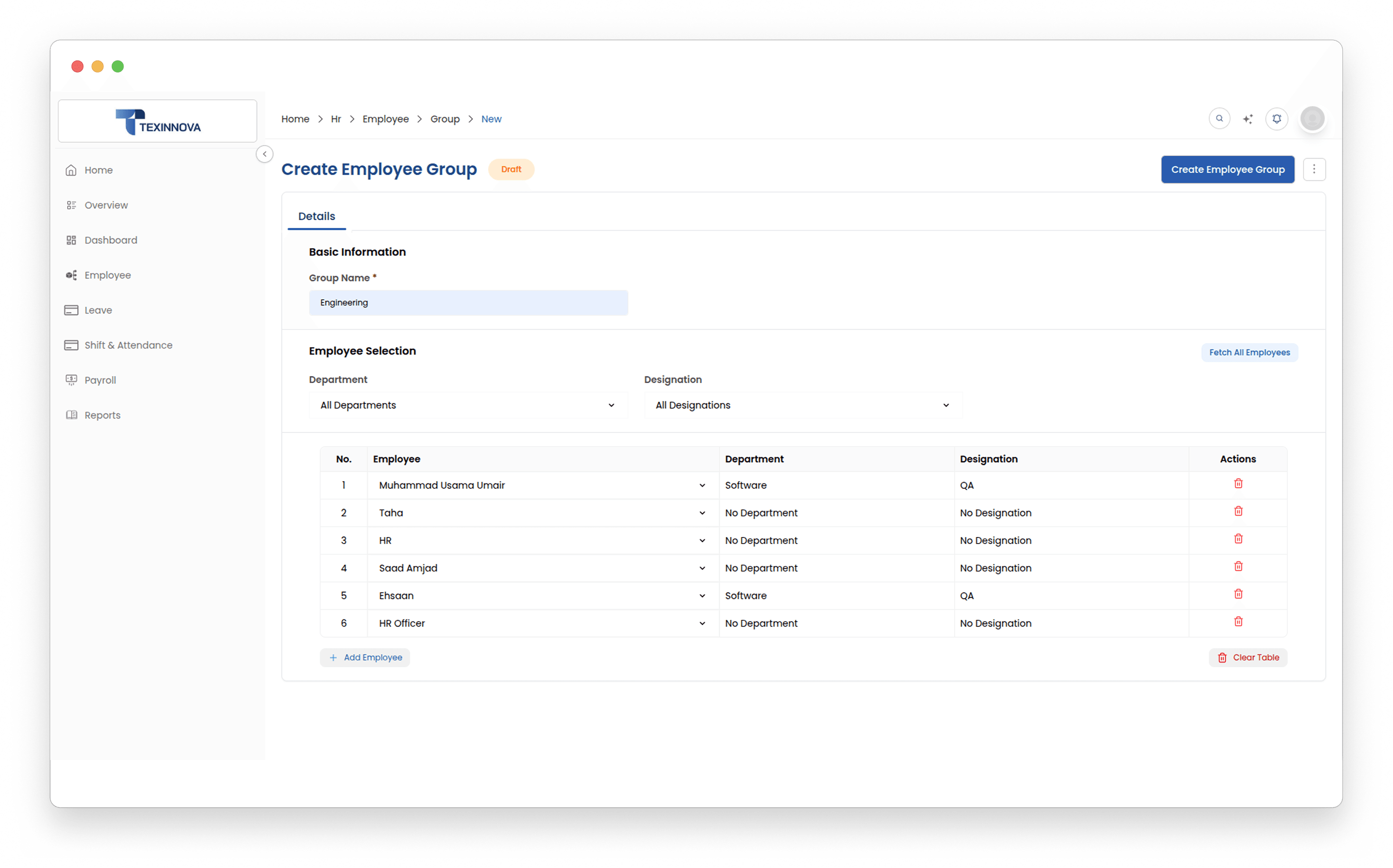
Organize employees by department, branch and designation. Reporting managers define your organization chart, while employee groups bring people together for payroll, attendance, leave and performance.
Employee document management
From joining documents to experience letters, keep supporting files linked to the right employee. Record skills, prepare ID cards and generate employment certificates.
Identity documents, contracts and qualification certificates.
Employee skills and proficiency levels.
Individual and bulk cards in printable PDF layouts.
Salary certificates and experience letters.
For the working day
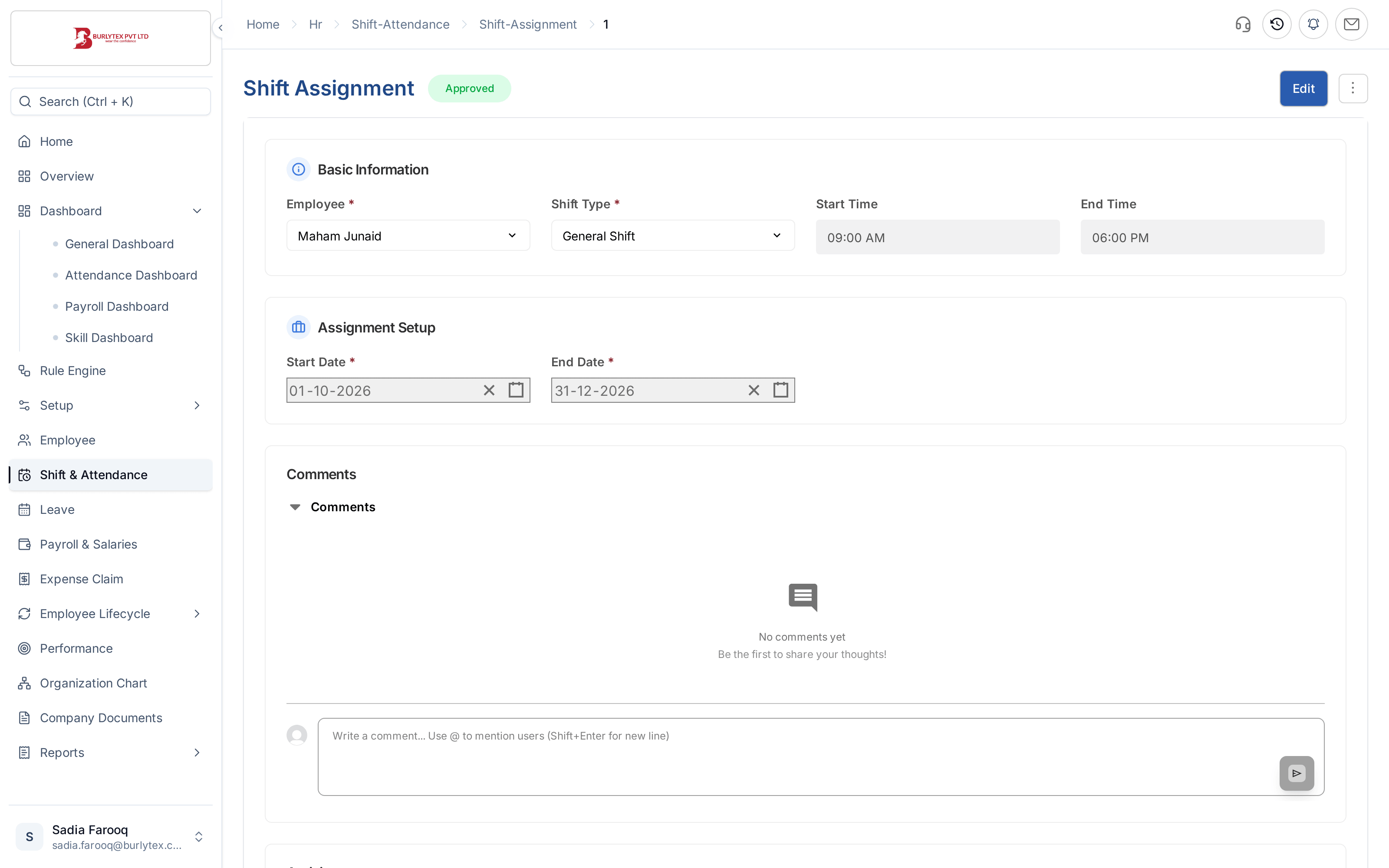
Bring working arrangements into each employee’s record. Review salary, shift and leave assignments together before the next pay run or attendance check.
Employee self-service
Let employees update permitted personal details, check attendance and request time off. HR keeps the permissions and approvals in place.
Discover the Employee PortalProfile details and photos, within assigned permissions.
Attendance, leave balances and applications.
Timesheets, expenses, benefits and advances.
Every chapter of their career
A new role, a different team, a revised salary. Keep previous and current employment details available, from joining through promotions, transfers and separation.
Start dates, employment types and contract terms.
Role, team, location and reporting changes.
Previous and current salary structures.
Leaving dates, separation reasons and supporting details.
Operations Executive
EMP-1042
Designation updated
Operations Associate → Operations Executive
Branch updated
Head Office → Regional Office
Salary revised
Previous and current salary assignments recorded.
Employee record created
Joining details and initial job assignment recorded.
Useful beyond the employee screen
Keep employee information useful wherever HR works. Export data for spreadsheet reviews, prepare employee records for sharing and print ID cards for your team.
Export employee data to CSV for spreadsheet reviews and ongoing record keeping.
Create employee record PDFs for all employees or a selected group, ready for printing or sharing.
Prepare printable employee ID cards individually or in bulk, with employee details kept together.
Need a wider workforce view? Explore HR reports
Workforce reporting
When the question gets bigger than one employee, review your workforce by department, designation, skills and assignments. See changes through employment history and separation reports.
Explore HR reportsEmployees by department and designation.
Salary, shift, leave and holiday assignments.
Skills, employment history and promotions.
Leaving dates and separation reasons.
Buyer questions
Employee management software organizes employee records throughout employment. ERPX combines profiles, documents, skills, reporting relationships and job history, with links to payroll, attendance and leave.
Store contact details, emergency contacts, education, experience, employment terms, department, branch, designation and reporting manager. Documents, skills and job history stay linked to each employee.
Yes. Assign departments, branches, designations and reporting managers. Use employee groups for payroll, attendance, leave or performance without changing someone’s department.
Yes. Prepare your employee data in CSV, review and edit the rows before import, then choose whether to activate imported employees and send welcome emails.
Yes. Export employee data as CSV or generate employee record PDFs for all employees or a selected group. Prepare printable employee ID cards individually or in bulk.
Yes. Through the Employee Portal, employees can update permitted personal details and photos, review attendance, apply for leave and submit HR requests. Access and approvals follow their assigned permissions.
Yes. Salary structures, shifts, leave policies and holiday lists link to each employee. The Employee Assignment Report shows current assignments; payroll, attendance and leave run in their respective modules.
Yes. Review changes to roles, teams, reporting managers and salary information. Approved promotions link role and pay changes, while separation records retain leaving dates and reasons.
Personalized ERPX demo
A focused walkthrough built on how your team works today and what you want to improve next.
Pick a workflow from