
Attendance & hours
The time they put in.
Attendance, overtime and short hours follow the rules you configure.
Explore attendance & hoursERPX People / Payroll & Salaries
Bring salary rules, working hours and approved adjustments into one payroll flow. A few clear actions take your team from the month’s work to reviewed payslips and recorded payments.
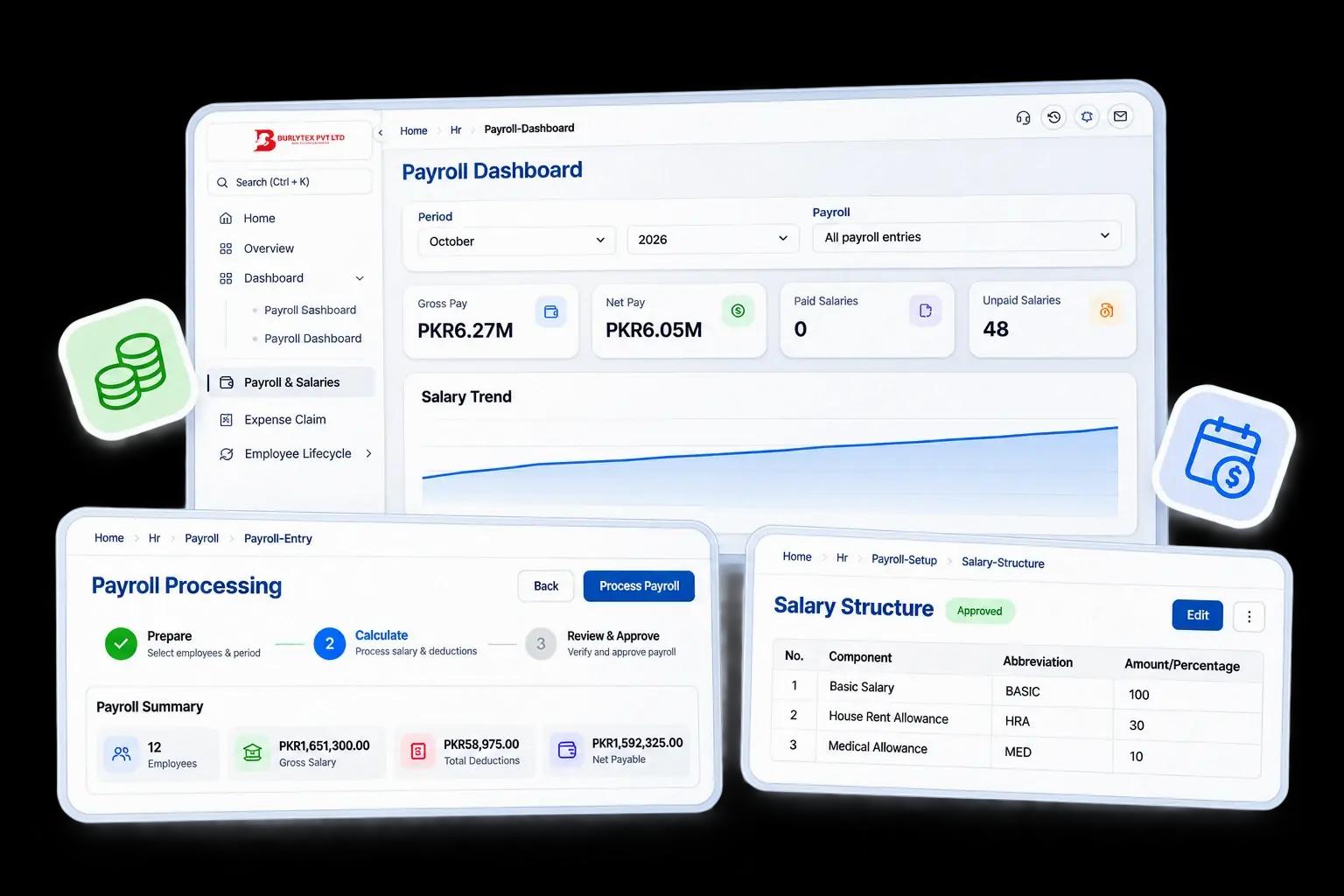
THE STORY OF A SIMPLER PAYDAY
Every salary has a story behind it. ERPX brings the agreed package, the month’s inputs, the review and the payment record into a process your whole team can follow.
01 / A strong starting point
Build reusable salary structures from earnings, deductions and formulas. Then give each employee an approved assignment with the base salary, effective date and applicable tax slab.
The agreed earnings, deductions and calculation rules.
ASSIGN TO YOUR PEOPLE · INDIVIDUALLY OR IN BULK
Bring the work, the claims and the changes with it.
Attendance & hours
Attendance, overtime and short hours follow the rules you configure.
Explore attendance & hoursClaims & benefits
Eligible benefits and expense reimbursements join the relevant pay period.
Explore claims & benefitsBonuses & adjustments
Additional Salary handles bonuses, adjustments and retention payout schedules.
Explore bonuses & adjustmentsAll connected to the relevant payroll period.
02 / THE PATH TO PAYDAY
Create the run. Confirm the team. Generate and review the slips. Record the payments. Every stage has a purpose, and every approval has its place.
Create a payroll entry for employees with active salary assignments.
The scope is confirmed. Salary amounts are still to be generated.
Calculate each employee’s earnings, deductions and net salary.
Salary slips have their own approval before payment is recorded.
Linked bank entries complete the payroll’s payment record.
The entry confirms who and when. Agree the period and employee list before calculating salaries.
The slips confirm how much. Review and approve the calculated pay before recording payment.
03 / THE NUMBERS MAKE SENSE
A salary slip brings the pieces together. Start with earnings, include the approved extras, apply the configured deductions and review what each person takes home.
Base pay and allowances from the assigned structure.
Eligible additional salary and approved adjustments.
Tax and other deductions, visible before approval.
Review individual slips. Approve the batch with the detail in view.
THE SALARY CALCULATION
04 / CLOSE THE LOOP
Approved salary slips lead into payment records and payslip emails. HR, Finance and employees can each follow their part of payday.
Confirm the earnings, deductions and net pay.
Create linked bank and accounting entries.
Email salary slips from a configured outgoing account.
Keep the salary, payment and accounting trail together.
AFTER PAYDAY / THE STORY IN THE NUMBERS
Understand the makeup of pay, compare departments and trace a deduction back to its slip. Payroll reports read the same generated salary slips from different angles.
ERPX AI
Create this month’s payroll for the Production department.
Payroll entry drafted for 48 employees. Salary slips are ready for approval.
Illustrative exampleBuyer questions
Complete Payroll Setup, configure the salary components and structures, and approve an active Salary Structure Assignment for each employee. Confirm base salaries, applicable tax slabs, attendance and leave before creating the payroll entry. Packages can also be assigned in bulk.
No. Approving the payroll entry confirms the period and employee list. Generate salary slips next, review the earnings, deductions and net pay, then approve the slips separately before creating bank entries. Payroll reports read generated salary slips.
Yes. ERPX supports configurable salary components, structures, income tax slabs, salary slips, payment entries and tax ledgers. Your team sets the policies and current tax settings that apply to your business.
Yes. Approved claims marked for salary reimbursement can generate Additional Salary. Employee advances support payroll disbursement and salary recovery, as well as direct payment and return workflows.
Yes. An approved promotion can create a revised Salary Structure Assignment when pay terms change, with the promotion date determining its effective date.
Not yet as a full self-service archive. Employees currently see a reminder of when their next payroll run is due in the Employee Portal, while HR shares payslip copies directly. Fuller self-service payslip access is on our roadmap.
THE DETAILS, WHEN YOU NEED THEM
Personalized ERPX demo
Bring your salary structures and a real pay cycle. We’ll show you how the people, calculations, approvals and records connect in ERPX.
Pick a workflow from