
Ask in your own words
Type or speak a question. ERPX sends it to the right module agent and brings in a second one when the question crosses modules.
Import/Export & Trading
ERPX takes a trade from quotation to shipment: proforma invoices with HS codes and Incoterms, documents in the deal currency, and landed cost that puts freight and duty into item cost.
Direct answer
ERPX for import and export trading is a set of connected ERPX modules for traders who buy and sell across borders. It quotes and invoices in the deal currency, creates proforma invoices with HS codes and Incoterms, records shipments, and adds freight, duty and clearing to item cost through landed cost vouchers.
Who this is for
Businesses that import goods by container and resell locally, where freight, duty and clearing decide the real margin.
Importers and exporters of chemicals who buy and sell in foreign currency and need the full landed cost on every receipt.
Exporters of rice, produce and other commodities who often sell on letters of credit and ship by container.
Importers of machinery, spares and auto parts who receive mixed consignments and must split charges across items fairly.
Problems we solve
The problem
A landed cost voucher spreads freight, customs duty, clearing, insurance and inland transport across the rows of an approved GRN in proportion to value, raises each incoming rate and recalculates the weighted average forward.
The problem
Quotations, proforma invoices, purchase orders and payment entries each carry a currency and an exchange rate, so the document matches the deal.
The problem
Each customer can hold preferred ports or terminals and preferred bank branches, which narrow the pickers on later export documents and payments.
The problem
The shipment record keeps the carrier, mode of transport, ports, vessel or flight, voyage or AWB number, container numbers and ETA, linked to the proforma invoice.
End to end
An import or export trade in ERPX moves from a priced offer in the buyer’s currency to a documented shipment, and on the import side to stock valued at its full landed cost.
Raise a sales quotation with currency, exchange rate, payment term, price term and a Valid Till date.
Make the proforma from the sales order with HS codes on the lines, an Incoterm such as FOB, CIF or EXW, and the ports of loading and discharge.
Where the buyer pays by letter of credit, link it to the proforma invoice. Upload the LC PDF, parse its fields with AI, then review and correct them before saving.
Place a booking order with the shipping line, then record the shipment with vessel, containers and ETA, and the B/L or AWB details.
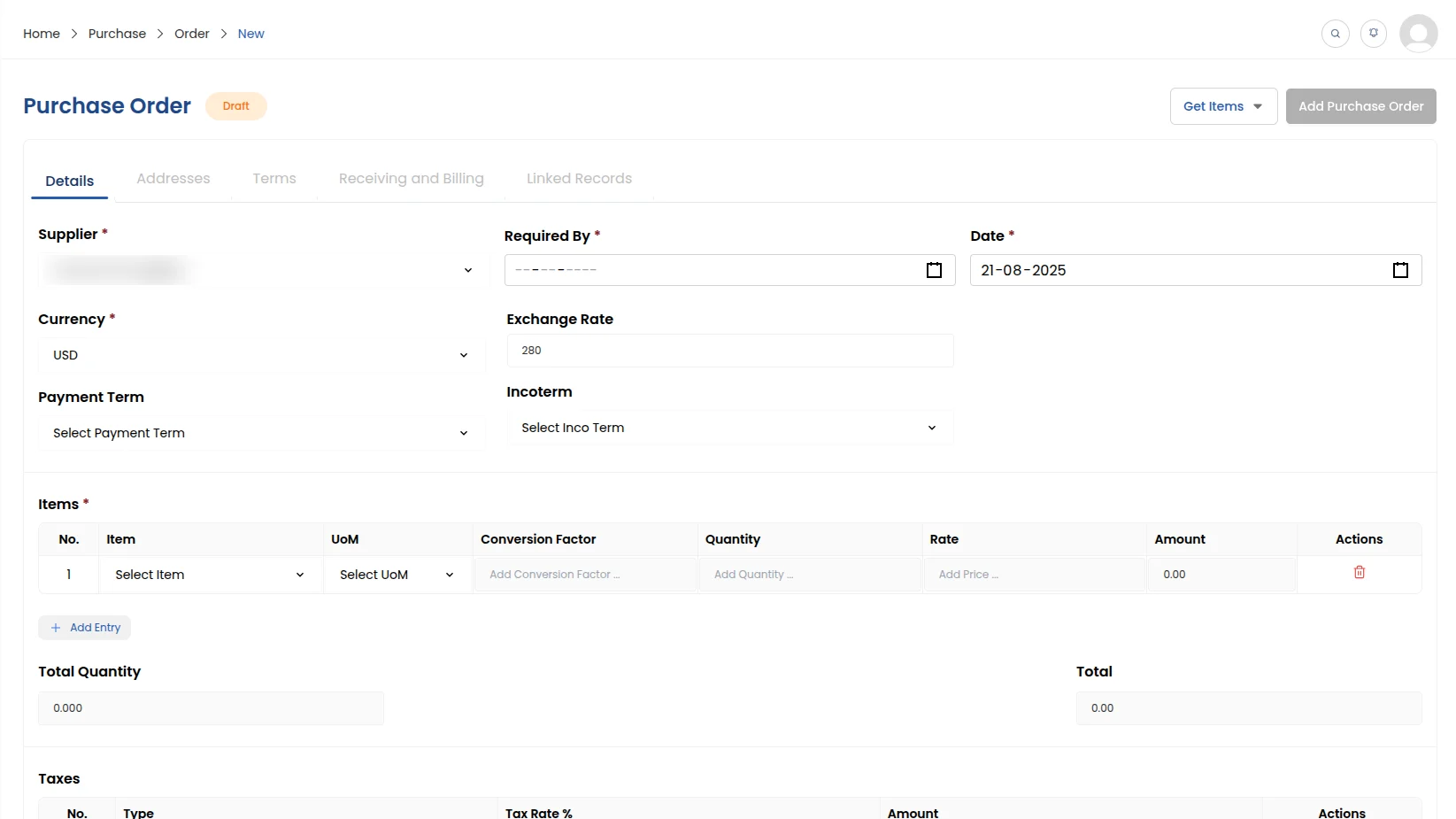
On the import side, raise the purchase order in the supplier’s currency and receive the goods on a GRN.
When the clearing agent’s invoice arrives, add every charge for the consignment to one landed cost voucher and set it to Active.
Record the payment entry with its currency, paid or received amount and exchange rate against the payment evidence.
ERPX AI for Import/Export & Trading
Trading teams use ERPX AI across sales, purchase and finance. It reads LC documents, prepares landed cost vouchers and explains open receivables by currency.
Access follows each user’s role. Changes wait for approval.
Read this LC and prepare the fields.
Sales
LC/24/1207 for EUR 74,200. Partial shipments are allowed and the latest shipment date is 22 April. The fields are ready for your review.
Days remaining
Example questions ERPX AI can answer. The figures shown in the animation are illustrative.
Illustrative data
Type or speak a question. ERPX sends it to the right module agent and brings in a second one when the question crosses modules.
Answers come from your own ERPX data through governed queries, limited to what your role can see.
When the next step creates or changes a record, ERPX prepares it and waits for you to approve, edit or reject it.
Connected in ERPX
Explore the modules behind this workflow and open the relevant documentation.
Landed cost
Charges are shared across the received items in proportion to each row’s value. This example, based on the ERPX documentation, spreads USD 300 of freight and duty over one GRN.
| Item | Amount | Share | Charges | Quantity | New rate |
|---|---|---|---|---|---|
| Fabric A | 3,000 | 50% | 150 | 1,000 m | 3.15 |
| Fabric B | 1,800 | 30% | 90 | 600 m | 3.15 |
| Trims | 1,200 | 20% | 60 | 2,000 pcs | 0.63 |
| Total | 6,000 | 100% | 300 |
Trade terms
The proforma invoice records the Incoterm and the ports of loading and discharge, and the shipment record holds its own port fields.
Customer records hold preferred ports or terminals and preferred bank branches, so the pickers on export documents and payments show the options that apply to that buyer.
Letter of credit
ERPX can parse an uploaded letter-of-credit PDF into fields for review. The team checks the extracted values, then can generate a commercial invoice, packing list, certificate of origin and draft bill of lading from the LC and linked proforma.
The Pending LC Actions report shows missing documents, approaching expiry dates and outstanding presentations. Bank review still determines whether the final documents meet the LC terms.
Compliance and local requirements
The fields and documents below are the ones the ERPX documentation describes for traders. Customs filing itself stays with your agent.
Items carry a Harmonized System code that export documents use.
Each customer carries its national tax number and sales tax registration number, kept visible in the record sidebar while you work.
Sales and purchase invoices have a dedicated withholding card. Enable Include Withholding Tax, choose the configured tax type and rate, and the invoice records it separately from ordinary taxes.
Define the tax and charge rules invoices use, each with its own rate and the account it posts to.
Please note: ERPX applies the tax rates and accounts your team configures; it does not decide your legal tax treatment. Finance should verify rules against current local requirements.
FAQ
Keep exploring
See how other teams use ERPX, then go deeper in the product guides.
Size and colour variants, fabric sent to job workers, and a proforma-to-shipment document chain for garment, towel and home textile exporters.
Explore solutionQuotations negotiated line by line, imported parts costed with freight and duty, serial-number traceability and after-sales issue tracking.
Explore solutionStock per item per warehouse, reorder levels that warn, block or raise purchase requests, batches, bundles and sales-team commission for distributors.
Explore solutionProduct guides for this workflow
Import/export demo
See a quotation become a proforma invoice and a shipment, and see freight and duty land in item cost.
Explore the connected flow