
Subcontracting without losing the material trail
Most factories send some work out. This covers that cycle end to end: a BOM mapping the finished item to the service you are buying, an order against the job worker, raw material transferred to their warehouse, and finished goods received back with the stock and ledger entries posted for you.
Three documents, one outsourced job
A subcontracting BOM, an order, and a receipt. The material you send stays on your books in between, and the receipt does the bookkeeping when the goods come back.
Subcontracting BOM
Maps the finished item to the service item you buy from the job worker. Cost and receipt validation both read it.
Subcontracting orders
The order against a job worker: quantity, rate, and how much of the material it needs has actually gone out.
Material out to the supplier
Raw material transferred against the order, tracked per item, so over-supply is visible before it turns into a write-off.
Receipts back in
Receiving the finished goods moves stock, clears the consumed material and posts the ledger entries, from one document.
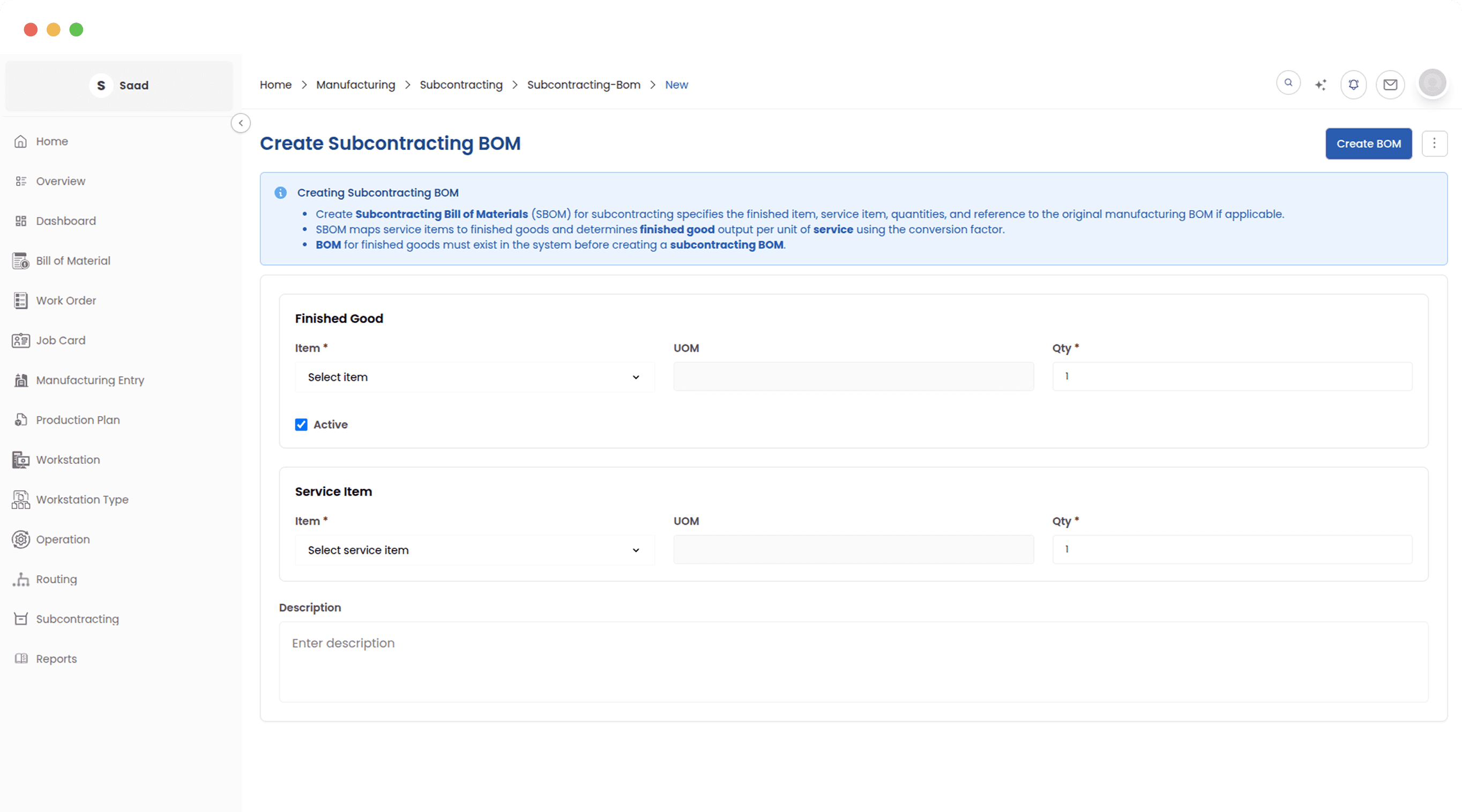
Subcontracting BOM
This maps the finished item to the service item you are actually buying from the job worker. Cost calculation and receipt validation both read it, so it is the first thing to get right.
Map the finished item to the service
A subcontracting BOM says what comes back and what the job worker charges for it. Every order points at one, which is how two orders for the same work end up costed the same way.
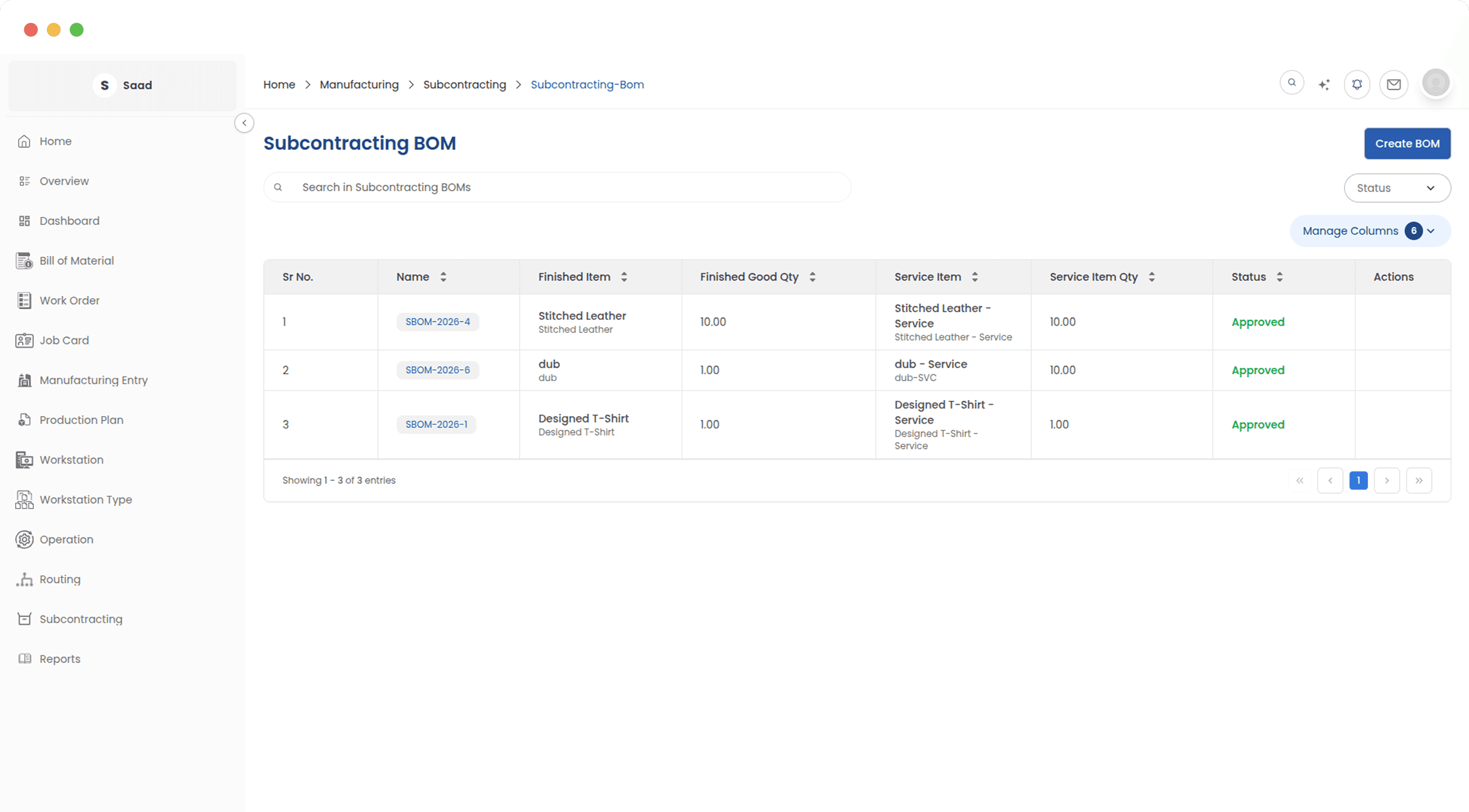
What comes back, and what it costs
The BOM carries the service charge and the materials involved, so the value of the finished good you receive is built from both rather than from the invoice alone.
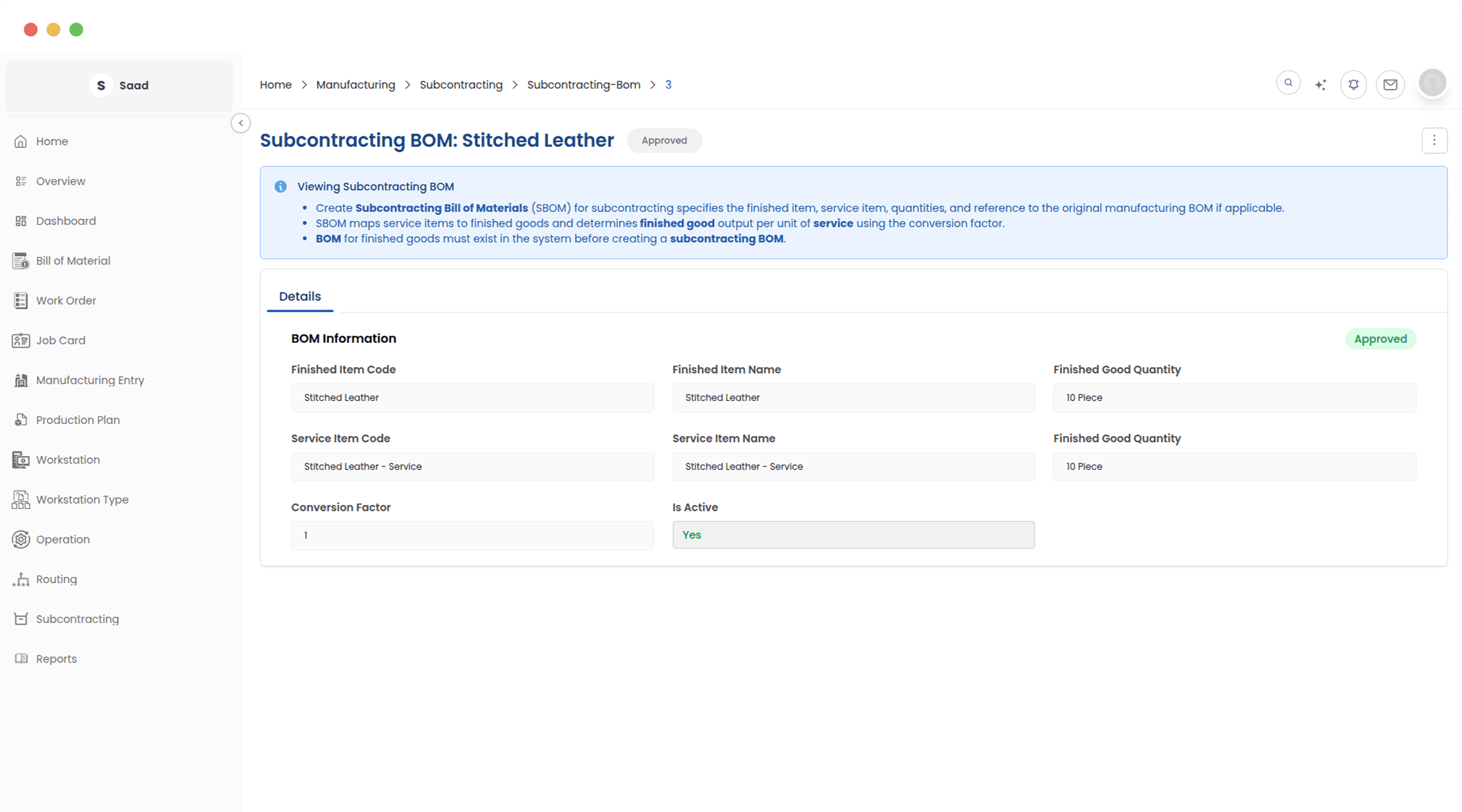
Approved means fixed
Once a subcontracting BOM is approved it cannot be edited. Every order that references it reflects what was actually reviewed, which is the only version of this that survives an audit.
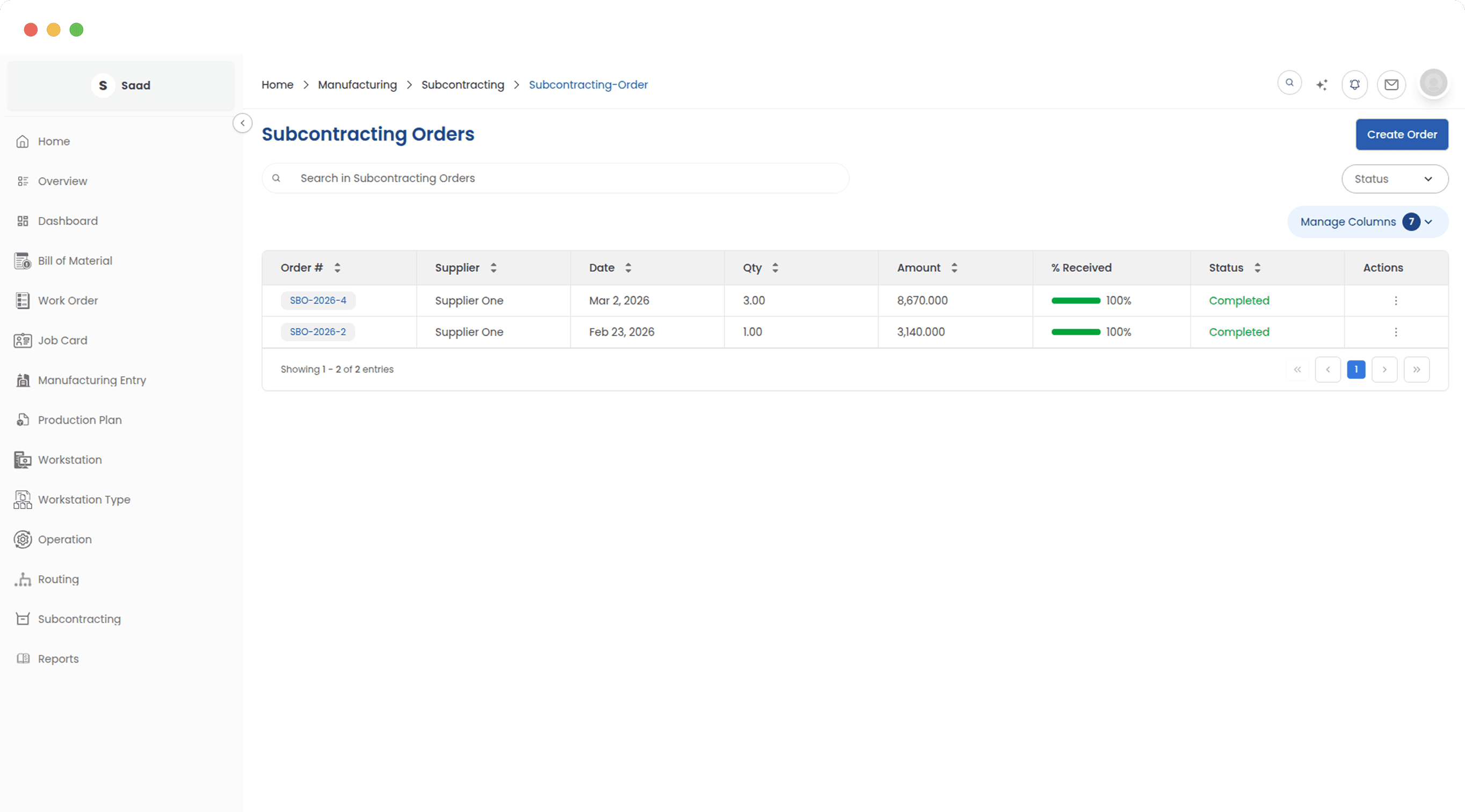
Subcontracting Orders
The order names the job worker, the quantity and the rate, then tracks the material you have transferred against what the job actually needs.
Every job that is out with someone
Order status and how much has come back from each job worker, in one list. Procurement can see which suppliers are keeping up and which are the reason a delivery date is about to move.
Place the order, track the material
Who is doing the work, what you get back, and what you have to send them. Items are filled in from the approved subcontracting BOM, and the supplied quantity updates as material goes out.
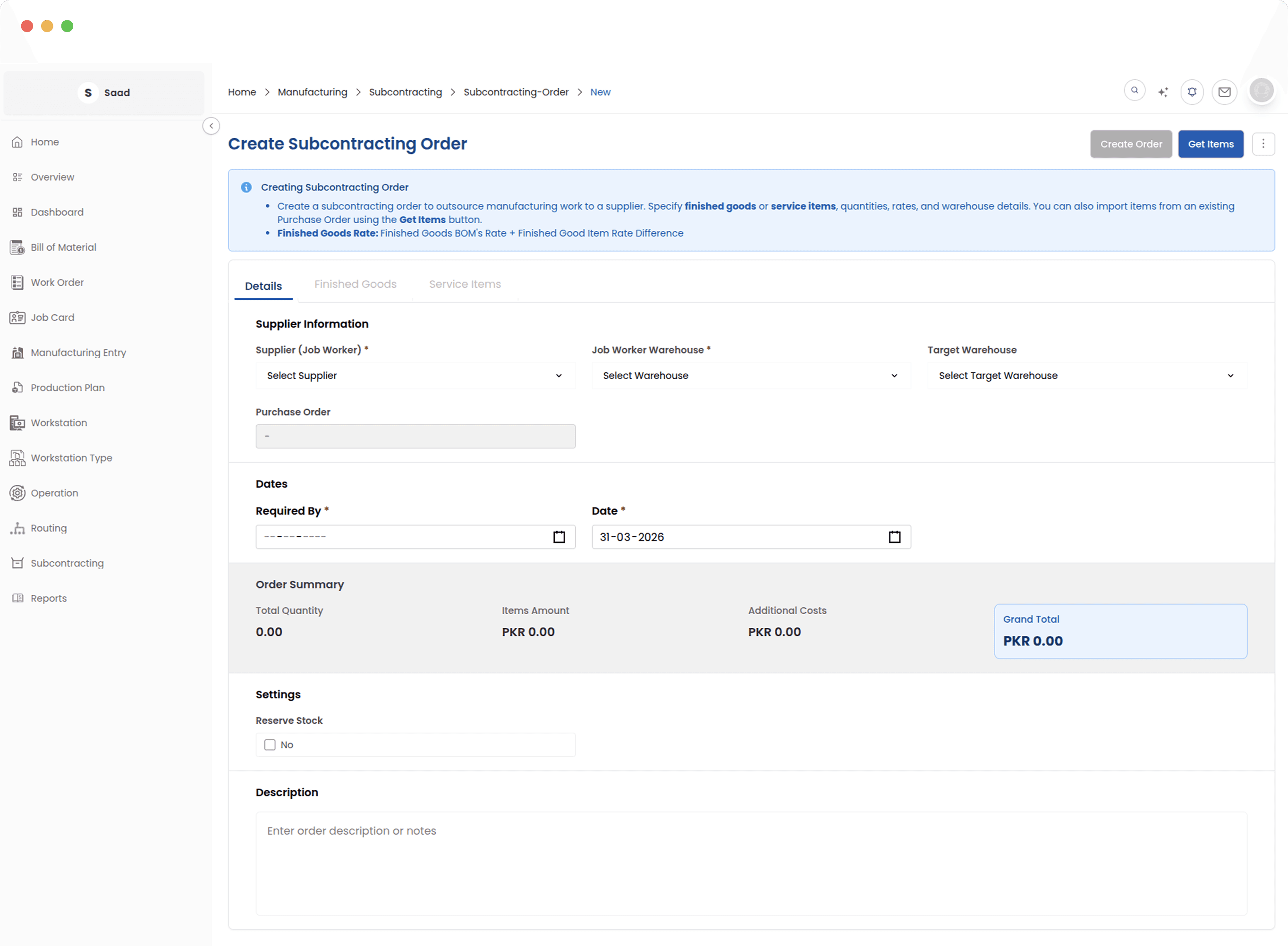
Rates that move with material cost
The order is the record everything else reads. When material cost moves, orders still pending are refreshed, so the entries posted at receipt reflect what things cost now rather than at order time.
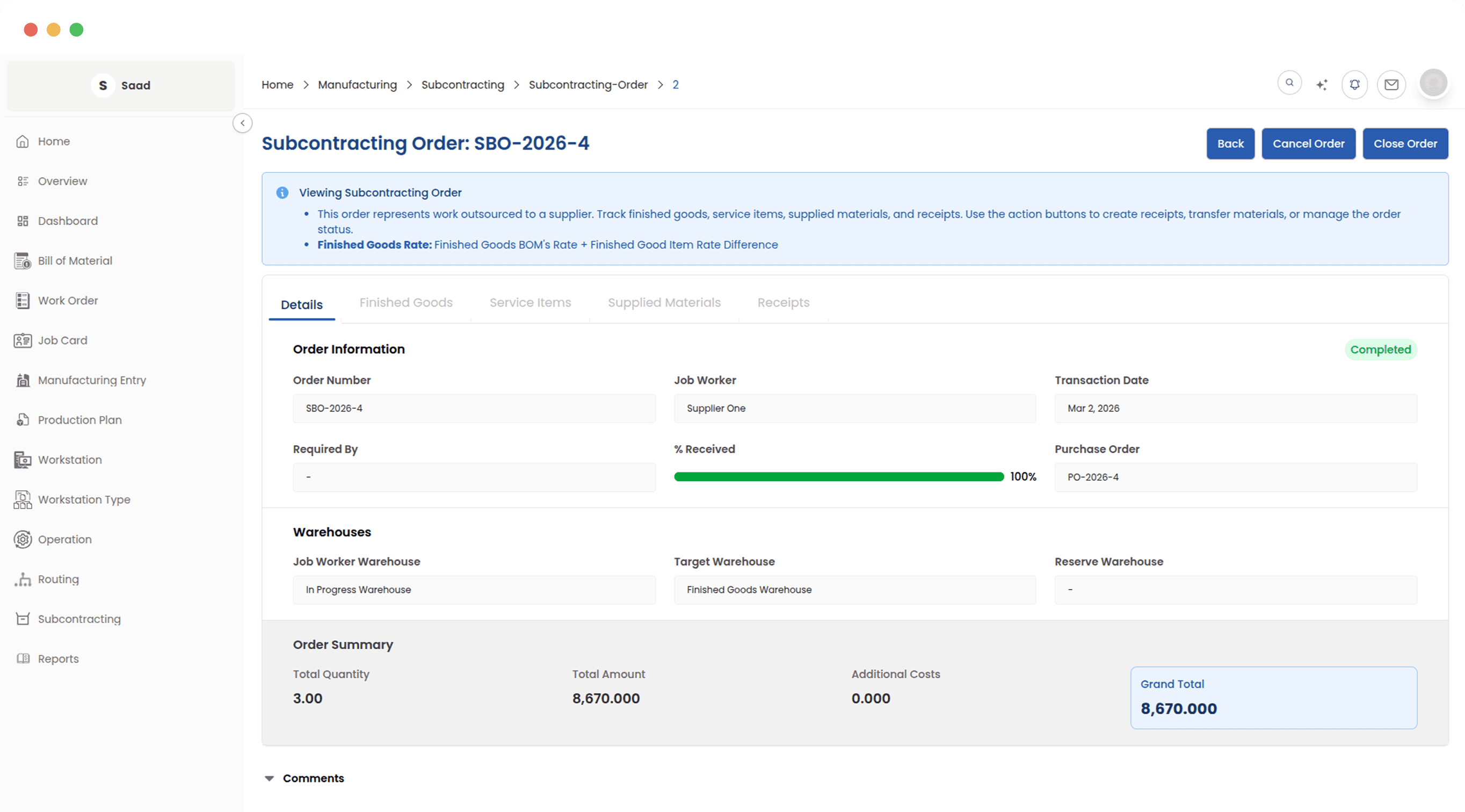
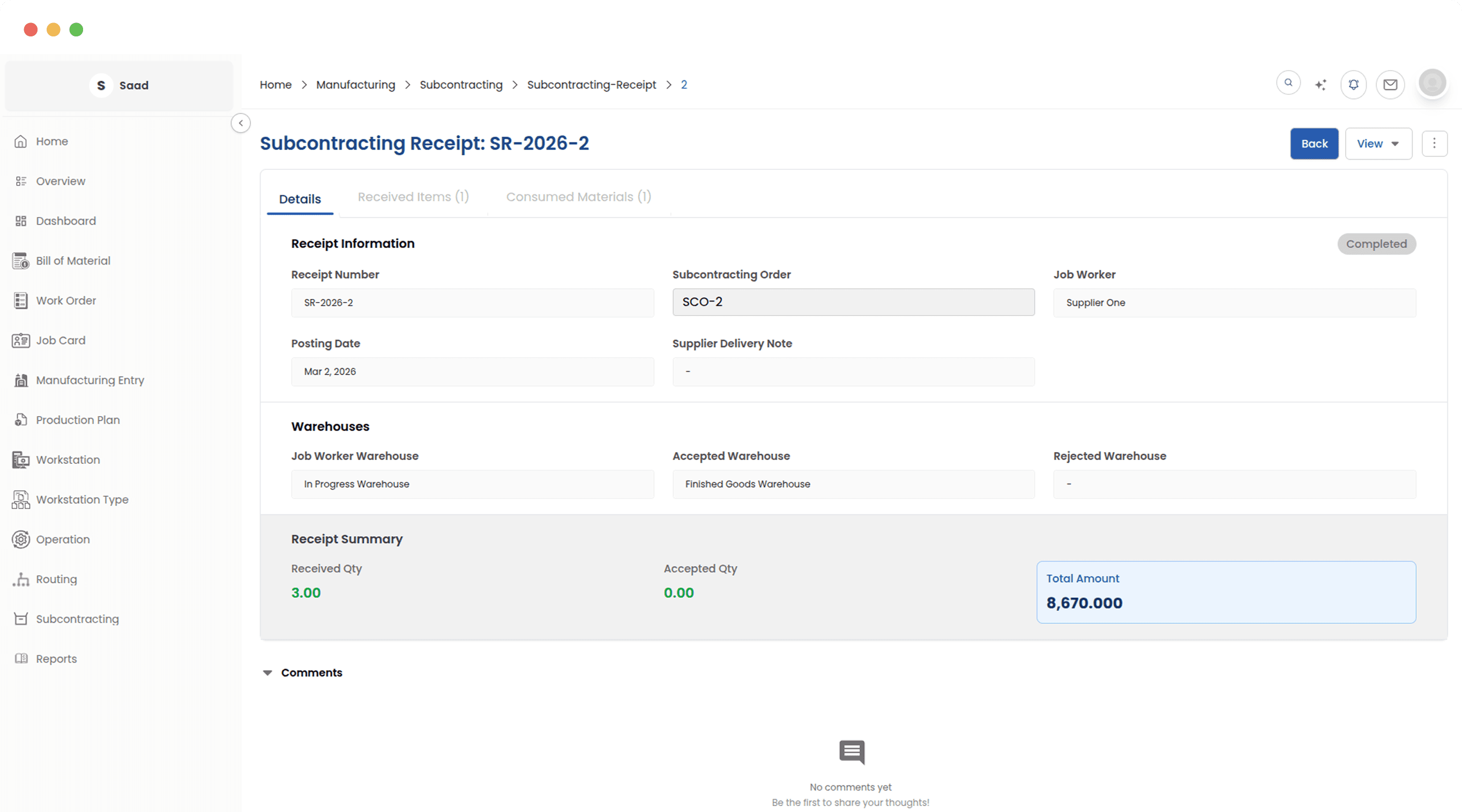
Subcontracting Receipts
Record what came back, split accepted from rejected, and submit. The stock movement and the ledger entries follow from that one document.
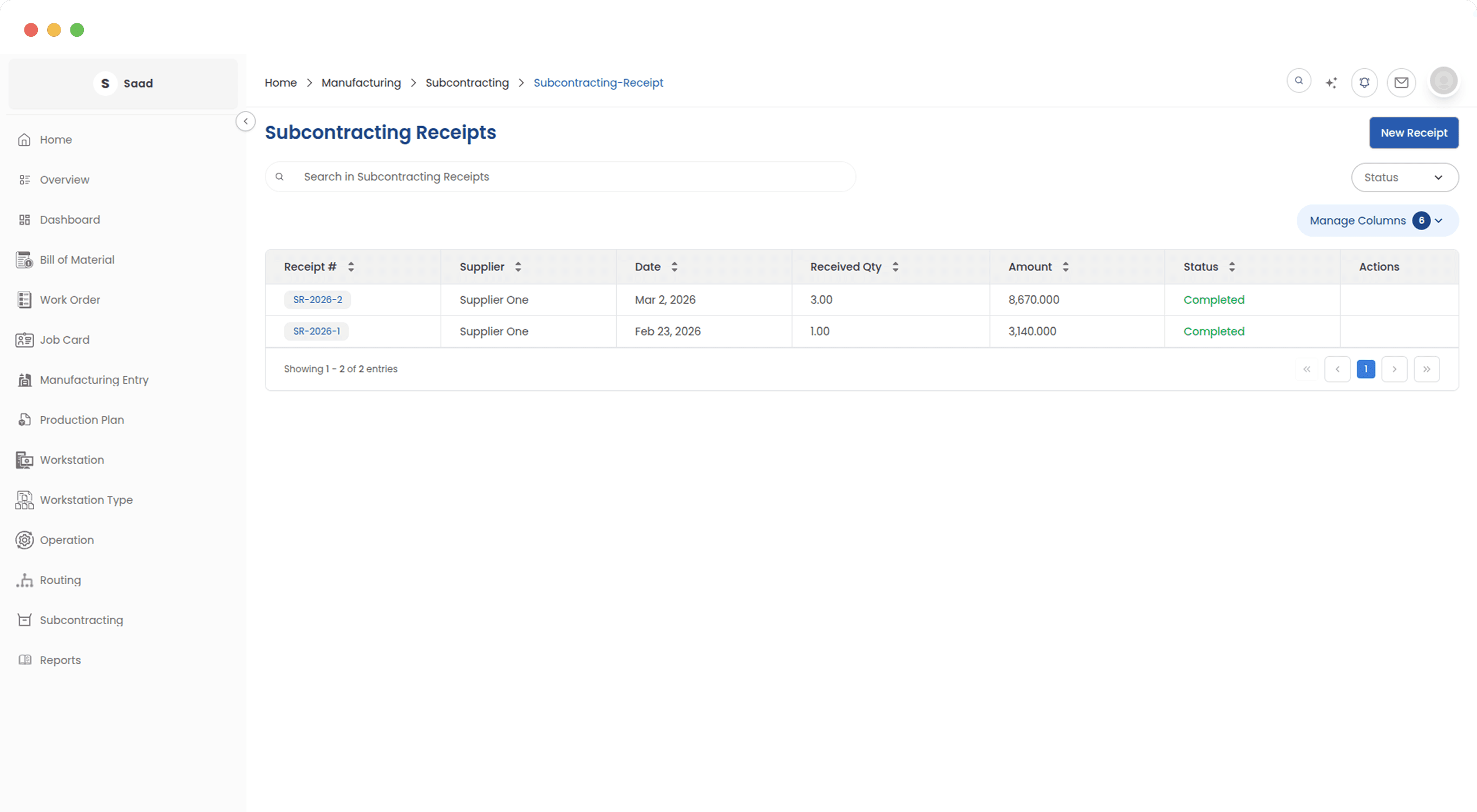
Booking the goods back in
A receipt is tied to the order it came from, so goods cannot be booked in against nothing. Submitting it moves the stock and posts the entries, which means inventory and the ledger update at the same moment.
Accepted, rejected, and what got used
Log what arrived and split it between accepted and rejected. Accepted goods go into stock, rejected ones are held for review, and the material consumed is worked out from what you accepted.
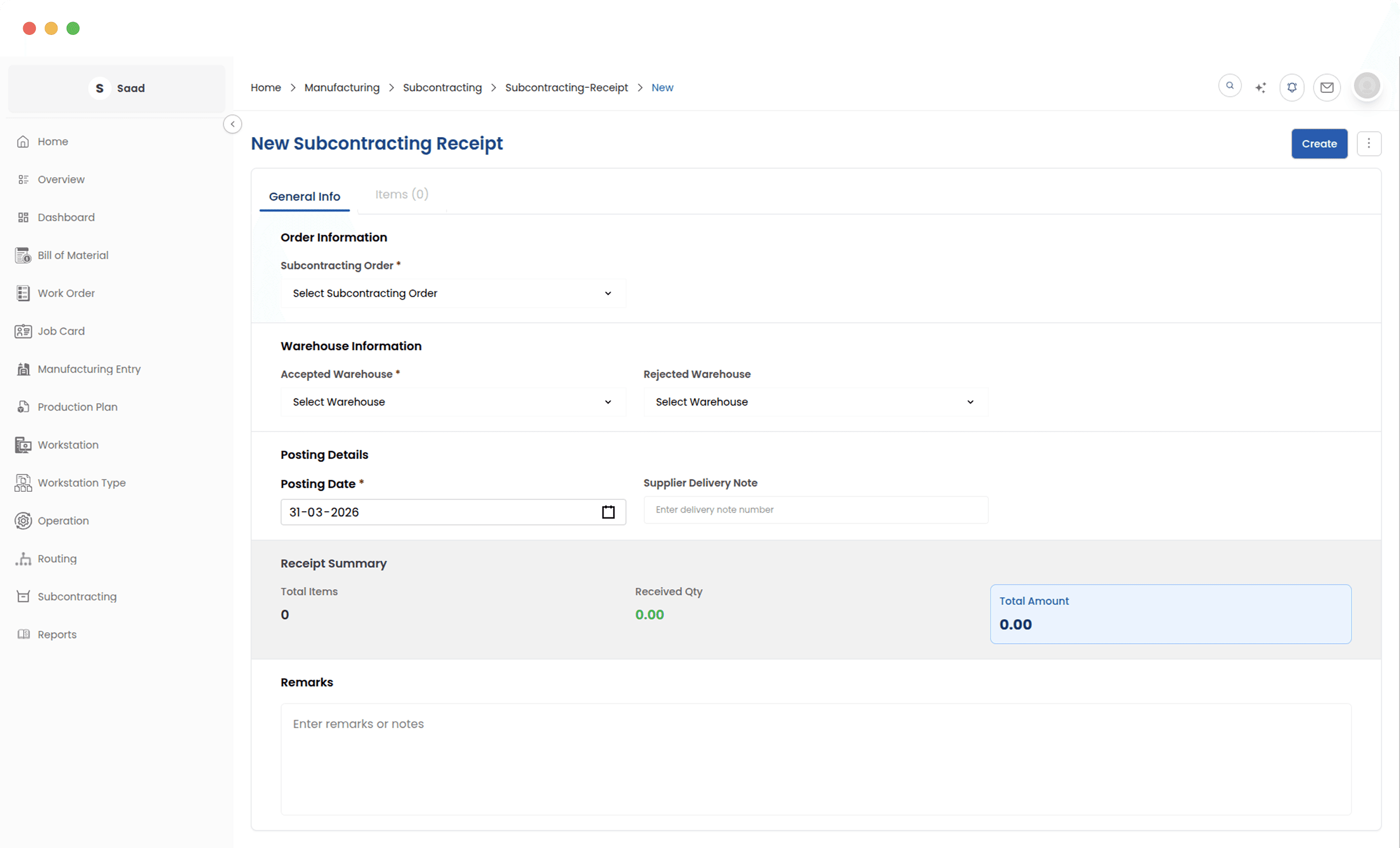
The bookkeeping happens on submit
Submitting the receipt closes the job out: finished goods received, consumed material cleared, entries posted to the right accounts. There is no second document anyone has to remember.
BOM, order, receipt, and nothing in between
The three documents read each other. The BOM sets the cost, the order tracks the material you supplied, and the receipt closes both out against stock and the ledger.