
Request an advance
Set the employee, purpose, amount and recovery method.
Human Resources moduleRequired step
- Amount
- Recovery method
ERPX Human Resources / Expenses & Advances
Give employees a clear way to claim expenses. Keep receipts, approvals and reimbursements connected, with advance balances visible until they are settled.
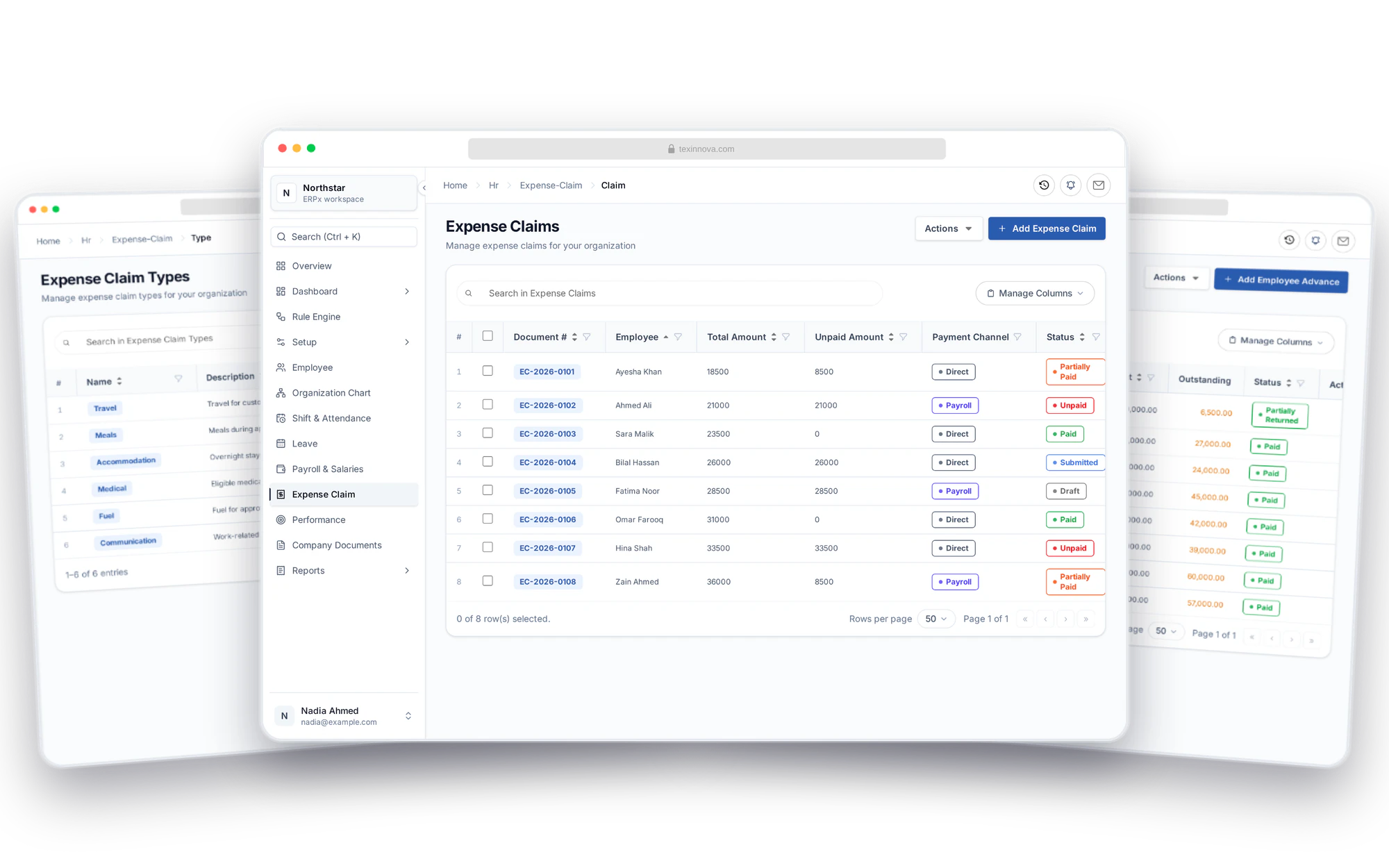
Employee spending, connected
Set up expense categories, review employee claims and choose the right payment route. Keep HR, Finance and employees working from the same records, with outstanding amounts easy to follow.
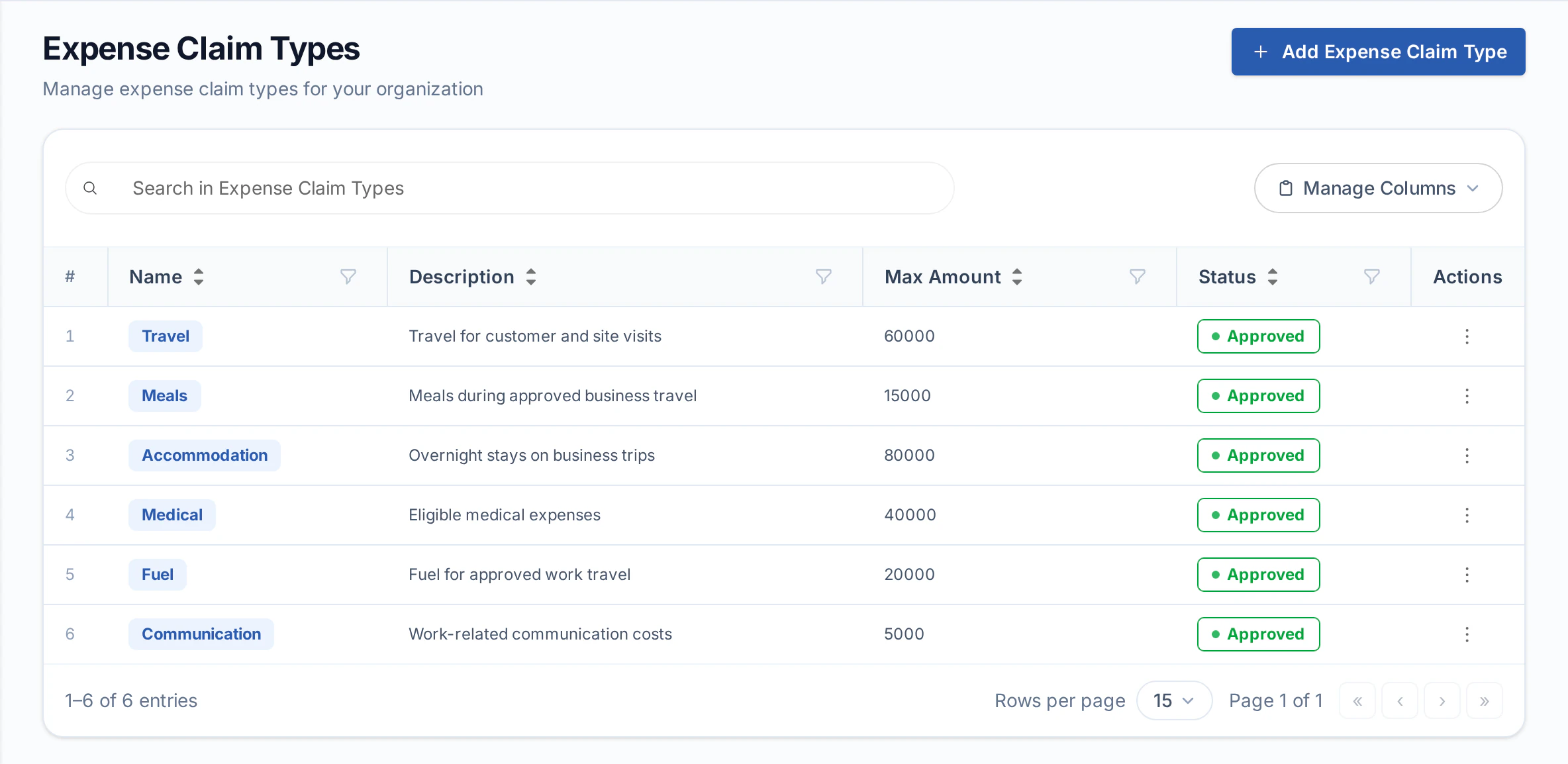
Expense categories & limits
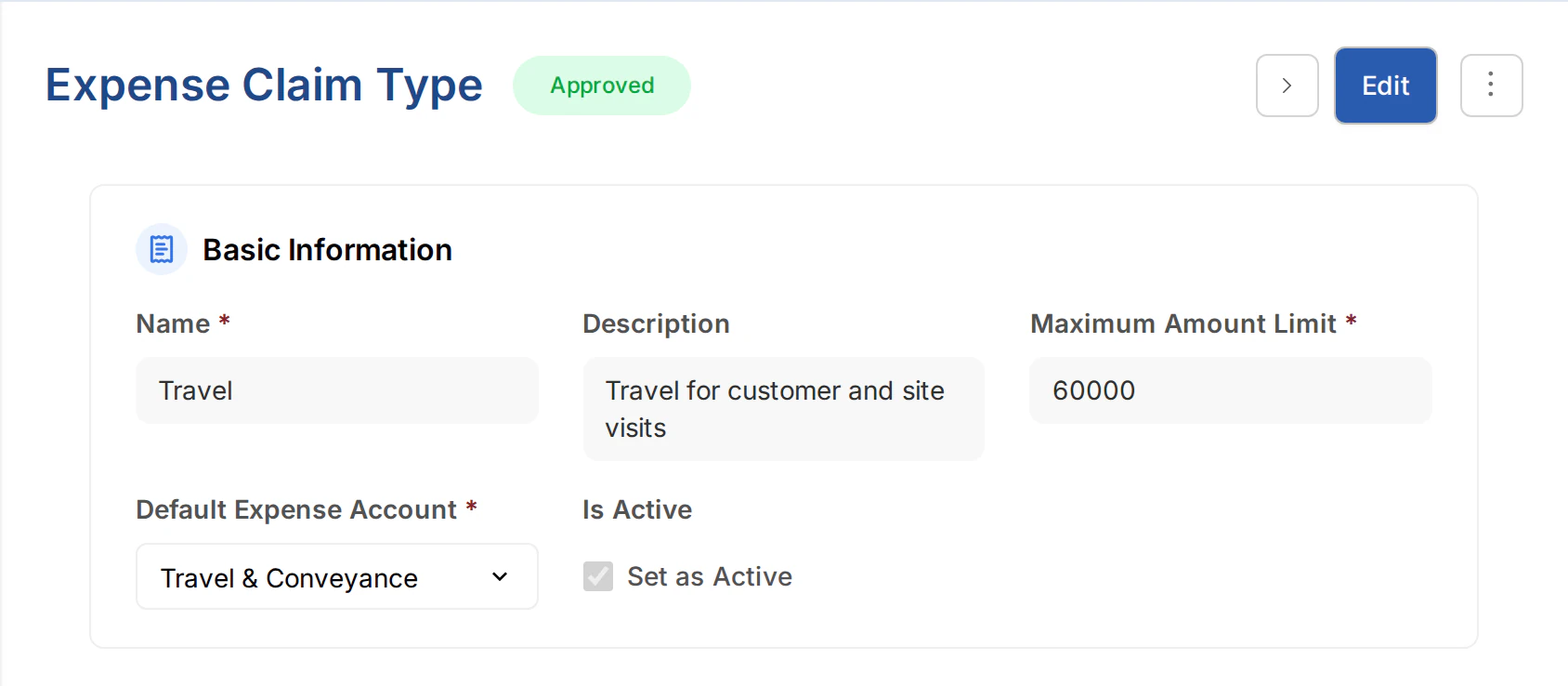
Define the expense types employees can claim against, from travel and meals to medical costs. Connect each type to its expense account and set a maximum amount where a limit applies. ERPX checks limited types against the employee’s claims in the HR Period containing the posting date.
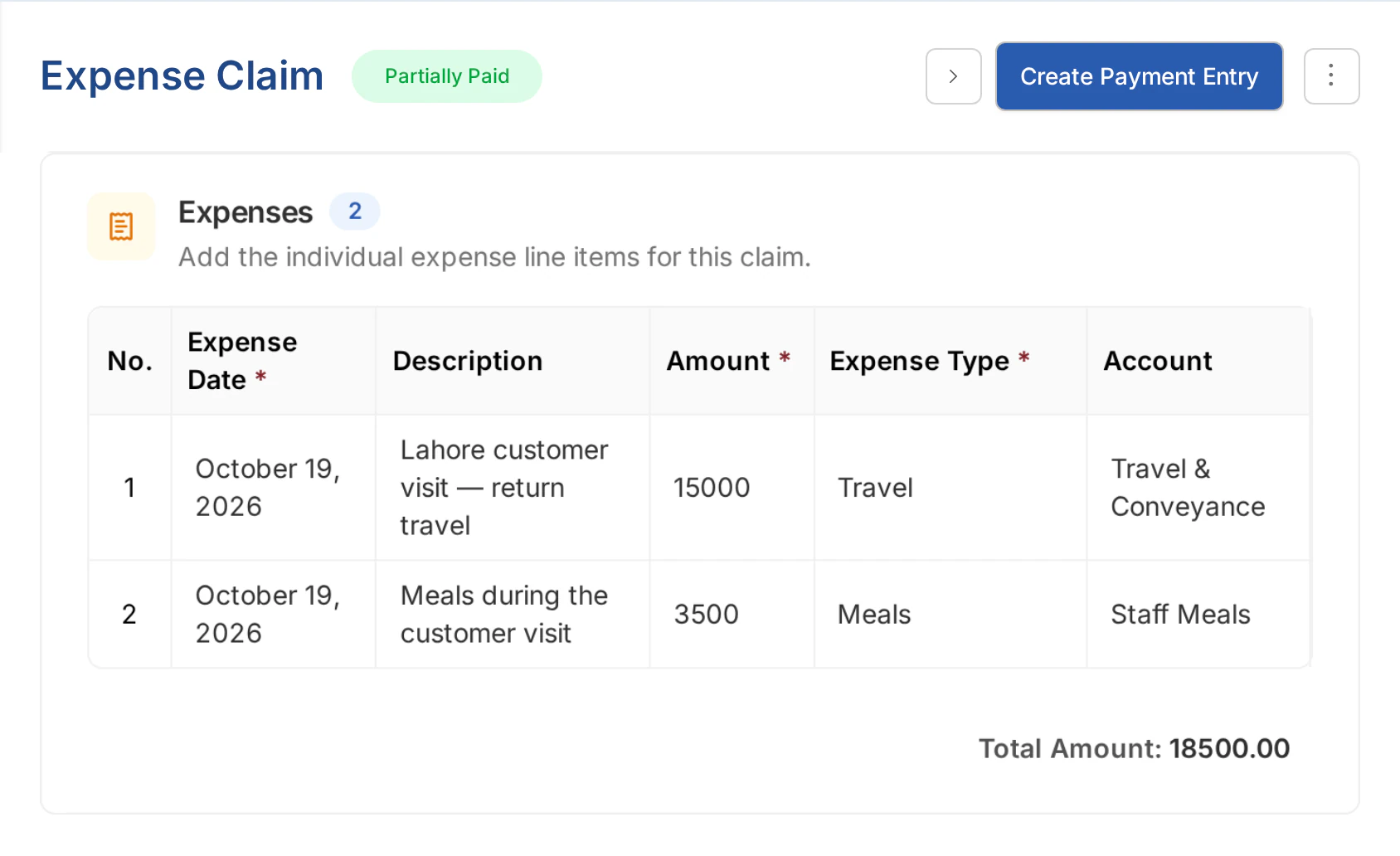
Claims & supporting receipts
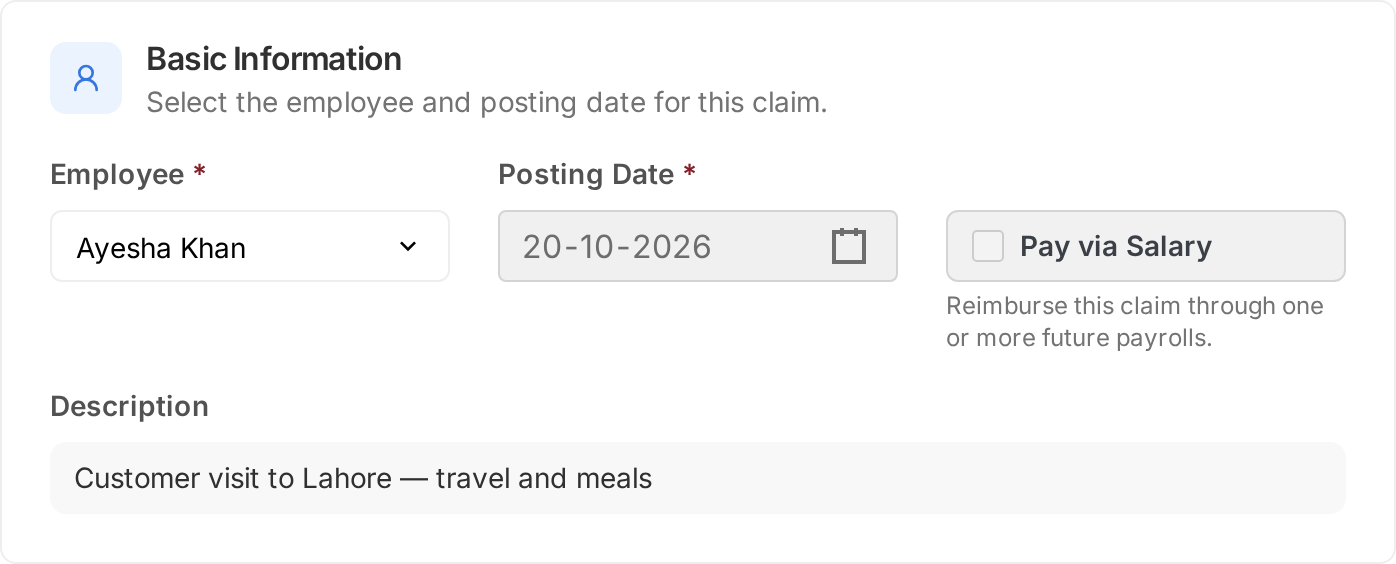
Record the employee, posting date and reason for spending, then add the individual expenses and supporting documents. Review the claim’s items, category balances and total before moving it through submission and approval. Employees can also submit claims through the Employee Portal.

Employee advance workflow
Request, pay, settle and recover an employee advance.
Set the employee, purpose, amount and recovery method.
Approve and pay directly or through payroll, including partial payments.
Apply eligible approved claims and update the advance balance.
Record a return or recover unused funds through salary deductions.
Advance tracking
Requested, paid and still to pay.
Approved expenses settled against the advance.
Returned and recoverable amounts in the Advance Summary.
Balances, reports & AI explanations
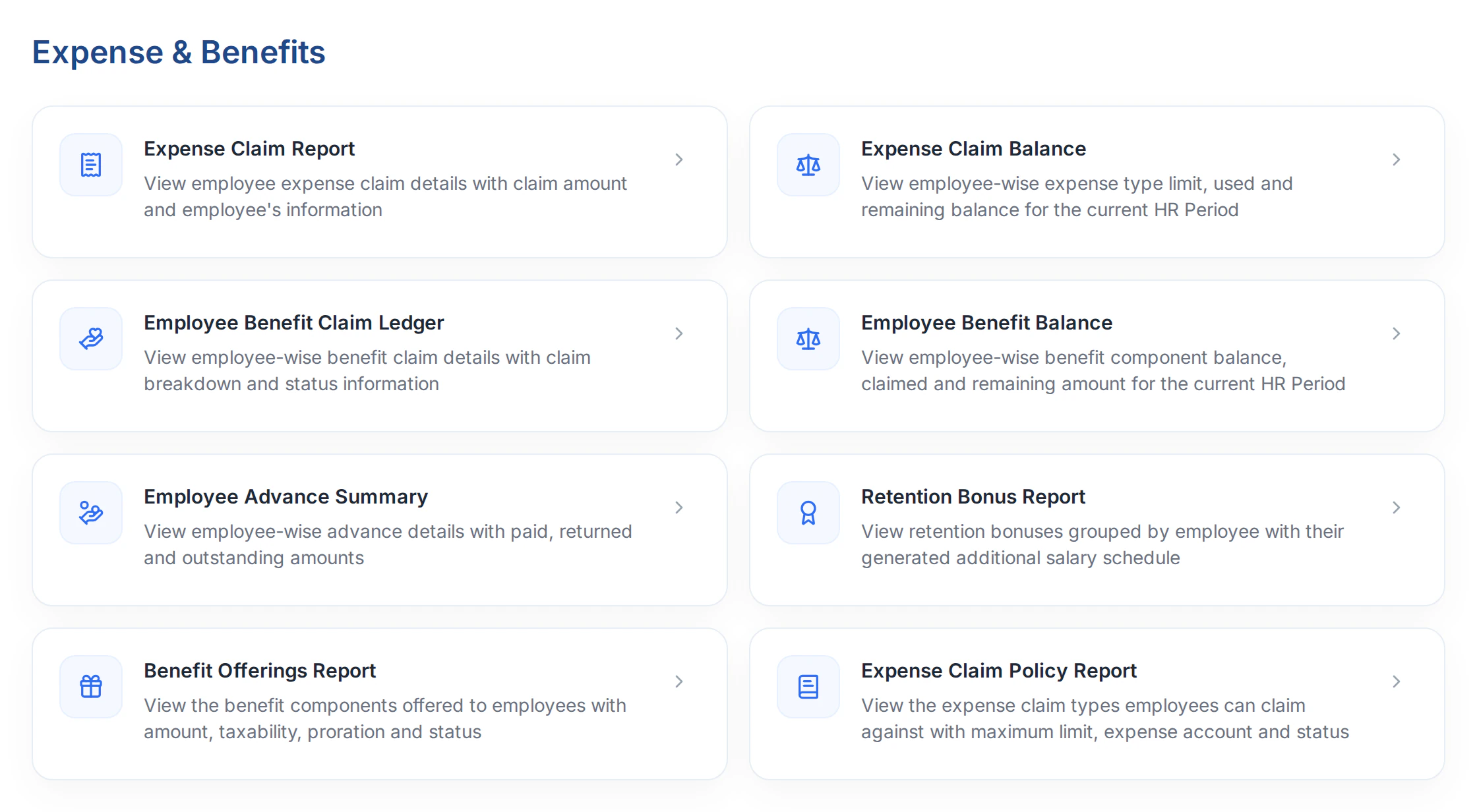
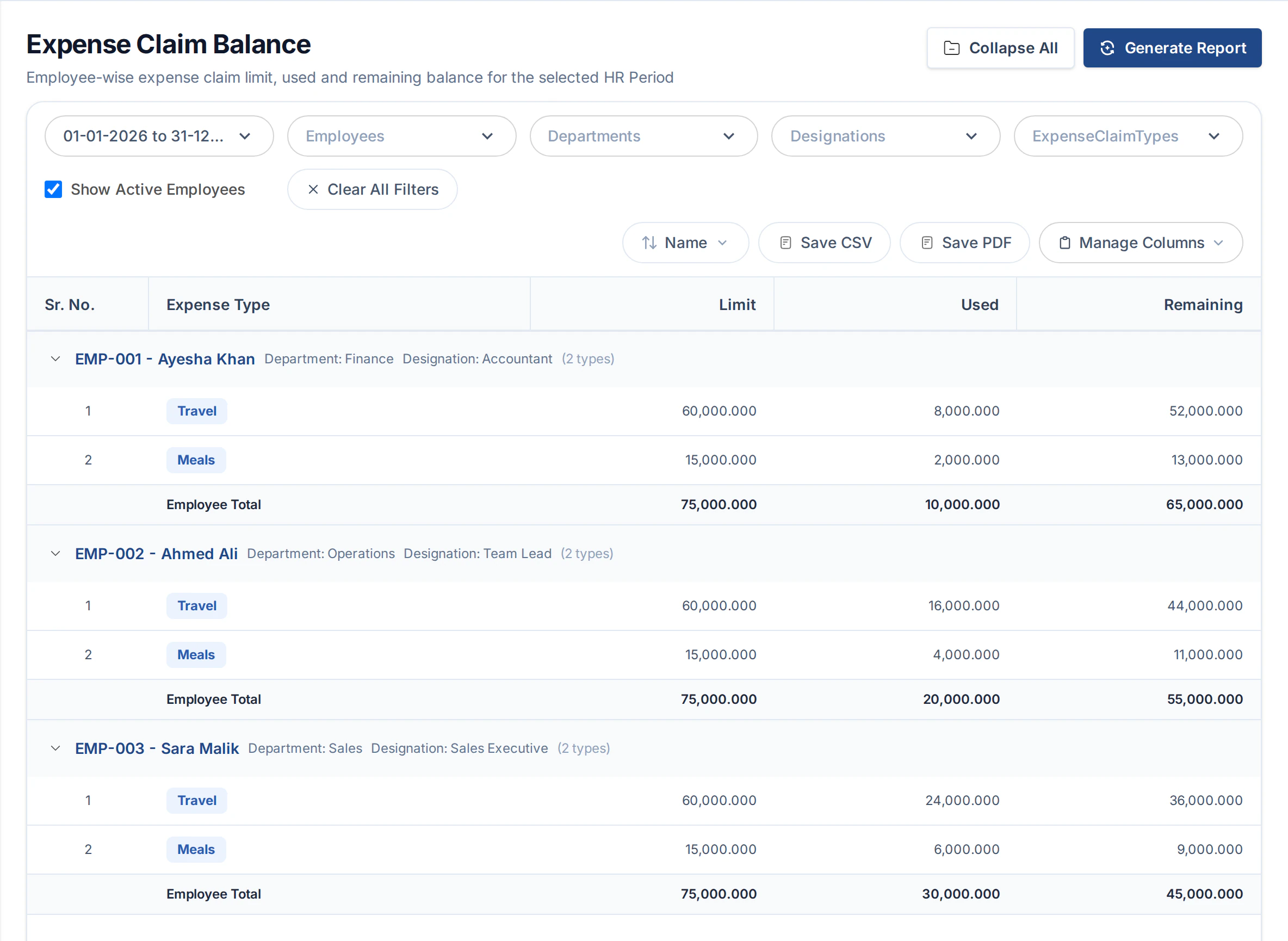
Use expense claim reports to review activity and unpaid amounts, the Employee Advance Summary to track recovery, and balance reports to check remaining allowances. On supported reports, Explain with AI helps you understand the figures and ask follow-up questions.
Part of ERPX Human Resources
Employee self-service brings the request in. HR reviews the claim. Finance and payroll handle settlement, with the related records close at hand.
Buyer questions
Yes. Employees can submit expense claims with expense details and supporting documents through the Employee Portal, subject to their access. HR and Finance can then review the same claim records.
For limited expense types, ERPX checks the employee’s claims against the configured maximum within the HR Period containing the claim’s posting date. The claim form shows the relevant category balance, so backdated claims use the period they belong to.
Yes. A claim marked Pay via Salary uses Reimburse Through Payroll to create an Additional Salary reimbursement for payroll. Direct-payment claims use a Payment Entry instead. The claim retains its payment route and unpaid balance.
Employee advances support settlement against eligible claims, direct returns and salary deductions. ERPX tracks the requested amount, money paid out, amounts claimed or returned, what is left to pay and what is still to recover.
Yes. Supported list actions include bulk submission and approval, direct payments and payroll reimbursements. Payment and reimbursement previews let the team review eligible records and amounts before creating the related documents, subject to their permissions.
Yes. Explain with AI is available on supported expense reports when AI access is enabled. Generate the report, open the explanation and ask follow-up questions using the report context and the permissions available to your account.
Personalized ERPX demo
A focused walkthrough built on how your team works today and what you want to improve next.
Pick a workflow from